
Once a mentor or mentee reaches Available status, a Vinnies Connect Participant can send them a welcome email to introduce them to the system.
To begin, navigate to the participant’s Manage section:
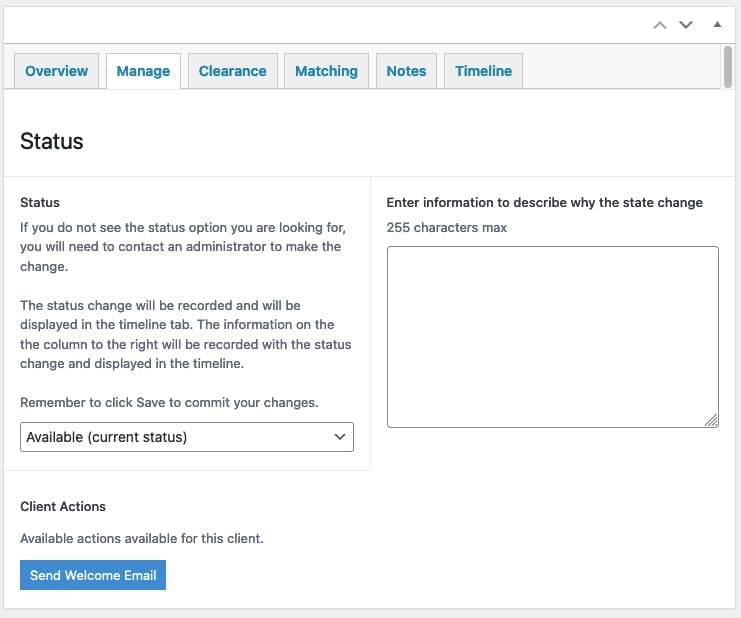
If the participant has a status of Available, you will see a button that reads Send Welcome Email:
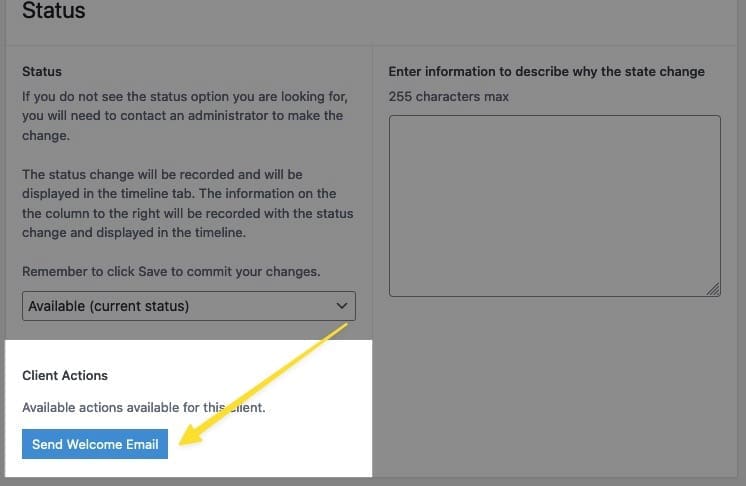
Click the button to initiate the process, you will be asked to confirm.
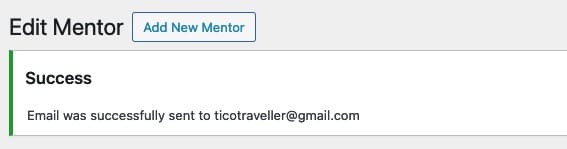
Once the email is sent, a message displayed at the top will confirm the action took place:
The participant will receive an email that contains the information to access the system:
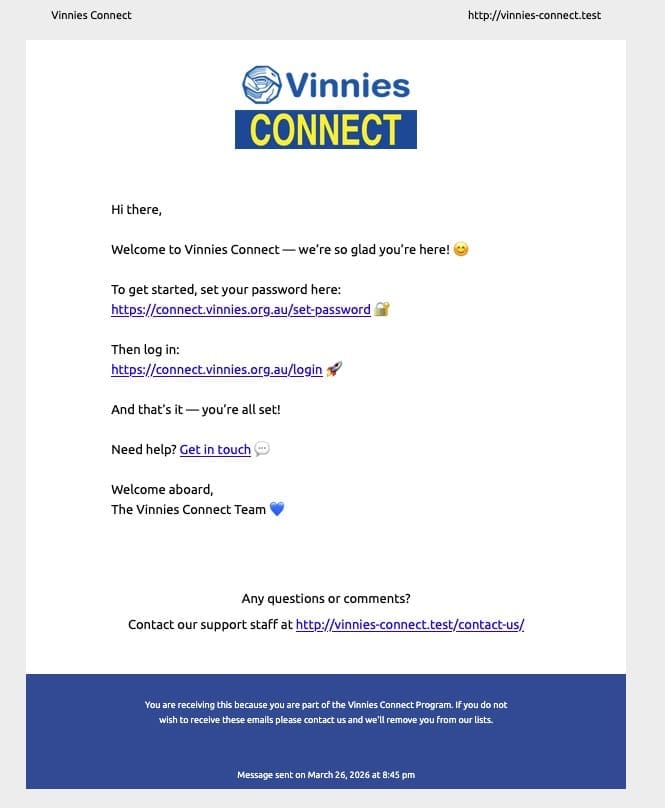
To change the text that is sent in this email, head over to the Email Settings section of the backend located at the following URL:
https://connect.vinnies.org.au/wp-admin/admin.php?page=email-settings

The St Vincent de Paul Society NSW is a member-based lay Catholic organisation that has been assisting people experiencing poverty and disadvantage across NSW for 135 years.
We acknowledge Aboriginal and Torres Strait Islander peoples as the Traditional Custodians of this land, with deep respect. May Elders, past and present, be blessed and honoured. May we join together and build a future based on compassion, justice, hope, faith and reconciliation.